Green and blue Peugeot 308Updated 3 min read

Peugeot 308 I SW Indicators: Green and Blue Warnings (2008-present)

Green and blue warning lamps on the Peugeot 308 I SW explained: what each indicator lamp means and what to do, from headlamps to Stop & Start.

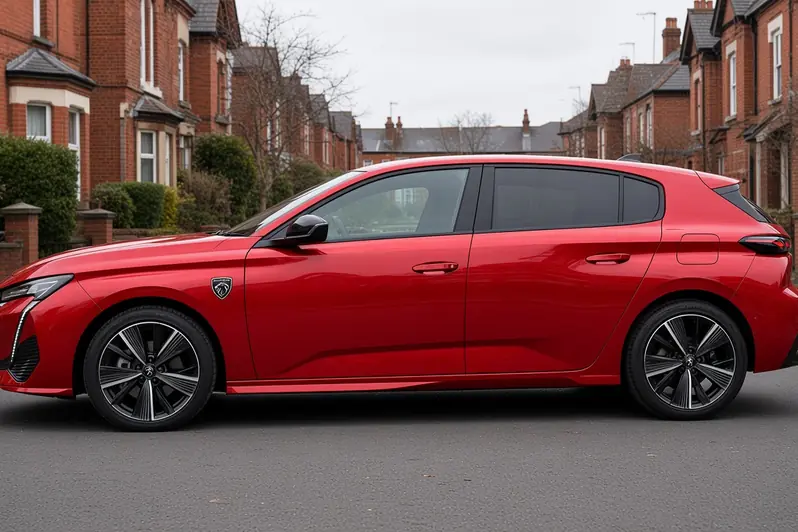
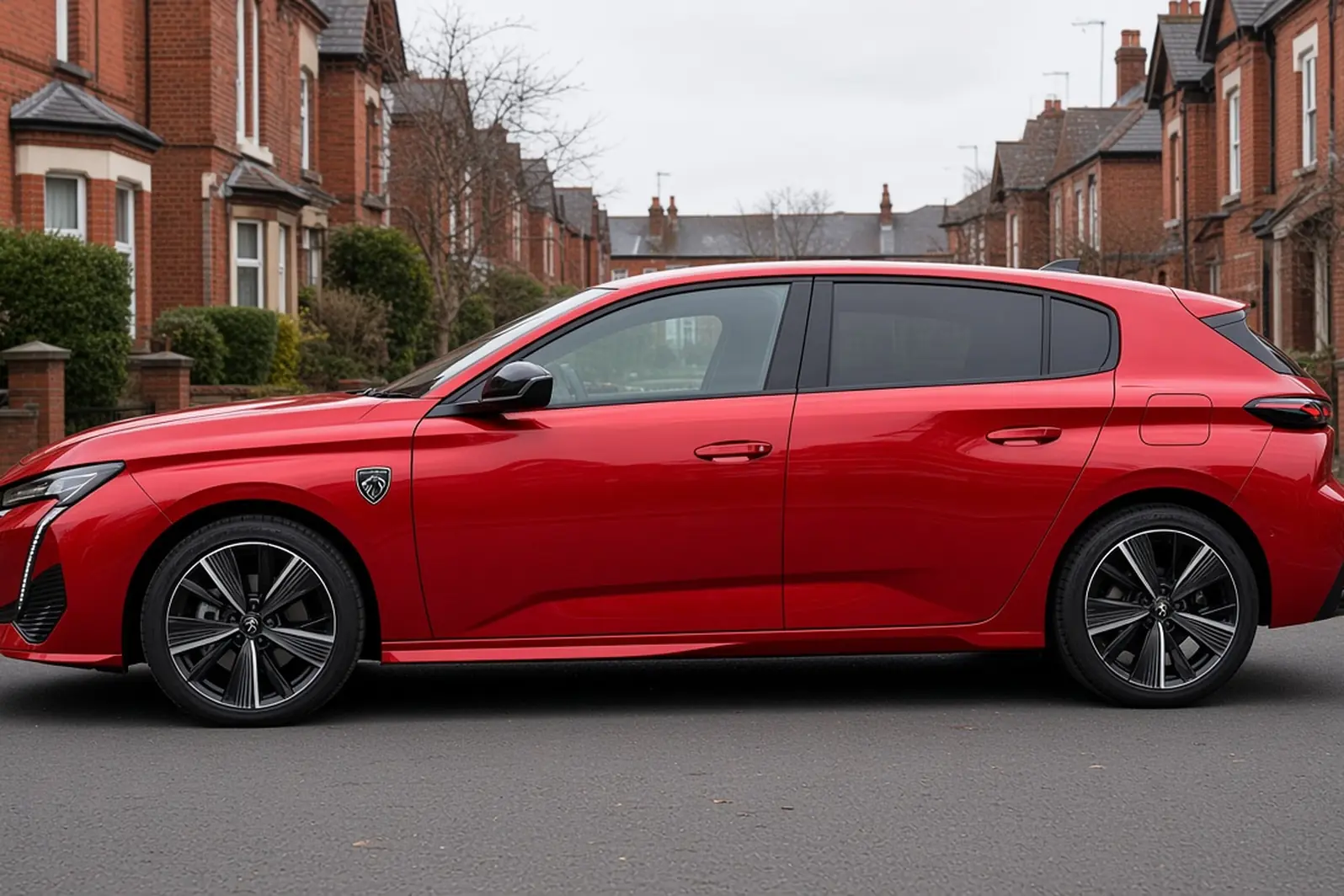
Peugeot 308 third generation in Elixir Red, side view on a British residential street, the whole hatchback visible

Green and blue lamps on your instrument panel are operation indicator lamps. When one comes on, it confirms that the matching system is working, and you may also hear an audible signal. Depending on your instrument panel, you may also see a pictogram or a message on the screen.

This guide covers the Peugeot 308 I SW (2008-present) and is based on the handbook for vehicles produced from 1 July 2012. Some lamps depend on the version and equipment of your car, so you may not have all of them.

Quick Reference

Scroll the table sideways.

WarningUrgencyIn short
Directional headlampsGet it checked soonFlashing: directional headlamps system fault
Left-hand direction indicato rInformation / statusLeft indicator is on
Right-hand direction indicatorInformation / statusRight indicator is on
Hazard warning lampsInformation / statusHazard warning lamps are switched on
Dipped beam headlampsInformation / statusDipped beam headlamps are on
Main beam headlampsInformation / statusMain beam headlamps are on
Front foglampsInformation / statusFront foglamps are on
Stop & StartInformation / statusSTOP unavailable or START triggered automatically

Directional headlamps

Directional headlamps warning lamp icon

This lamp shows the directional headlamps symbol. If it flashes, there is a fault with the directional headlamps system.

What to do:

  • Have the directional headlamps system checked by a PEUGEOT dealer or a qualified workshop.

Left-hand direction indicato r

Left-hand direction indicato r warning lamp icon

This lamp shows the left-hand direction indicator symbol. It flashes, together with a buzzer, when you push the lighting stalk down.

What to do:

  • Nothing is needed. The lamp simply confirms that the left-hand indicator is working.

Right-hand direction indicator

Right-hand direction indicator warning lamp icon

This lamp shows the right-hand direction indicator symbol. It flashes, together with a buzzer, when you push the lighting stalk up.

What to do:

  • Nothing is needed. The lamp simply confirms that the right-hand indicator is working.

Hazard warning lamps

Hazard warning lamps warning lamp icon

This lamp shows the hazard warning symbol. It flashes, together with an audible signal, when you press the hazard warning lamps switch on the dashboard.

What to do:

  • Expect the left-hand and right-hand direction indicators, and both of their indicator lamps, to flash at the same time.

Dipped beam headlamps

Dipped beam headlamps warning lamp icon

This lamp shows the dipped beam headlamps symbol. It stays on when the lighting stalk is set to the dipped beam position, or to the AUTO position when the light is low.

What to do:

  • Nothing is needed. The lamp simply confirms that your dipped beam headlamps are on.

Main beam headlamps

Main beam headlamps warning lamp icon

This lamp shows the main beam headlamps symbol. It stays on when you have pulled the lighting stalk towards you.

What to do:

  • To go back to dipped beam, pull the lighting stalk towards you again.

Front foglamps

Front foglamps warning lamp icon

This lamp shows the front foglamps symbol. It stays on while the front foglamps are switched on.

What to do:

  • To switch the front foglamps off, turn the ring on the lighting stalk rearwards twice.

Stop & Start

Stop & Start warning lamp iconStop & Start warning lamp icon

This lamp shows one of two Stop & Start symbols. Either version flashes for a few seconds and then goes off. This means that STOP mode is temporarily unavailable, or that START mode has been triggered automatically.

What to do:

  • For the special cases that affect STOP mode and START mode, see the Stop & Start section in the Driving chapter of your handbook.

If You're Not Sure

If a lamp does not behave the way it is described here, or you are not sure what it is telling you, check the message on your instrument panel screen and the explanation in your handbook. If you think something is wrong, contact a PEUGEOT dealer or a qualified workshop.

Green and blue lamps are mostly there to confirm that a system is working, so they are rarely a cause for concern. Keep this guide handy, and you will always know what your Peugeot 308 I SW is telling you.

Related guides: Peugeot 308 I SW (2008-present) red warning lights, Peugeot 308 I SW (2008-present) orange warning lights, Peugeot 308 Warning Lamps: Blue and Green Warnings (general guide) and all Peugeot 308 guides.
Related guides

Warning lights ·

How to Check Peugeot 308 Warning Lights and Displays

The third-generation 308 moved almost everything onto screens: a digital instrument panel and a 10-inch touchscreen with configurable "i-Toggle" shortcuts. Once you know where things are, it's quick to use. This guide...

Warning lights ·

Peugeot 308 Warning Lamps: Blue and Green Warnings

Not every lamp on your Peugeot 308's dashboard is a warning. Green, blue and white/grey symbols mostly confirm that something is switched on: your lights, a driver assistance system or a hybrid feature. Knowing them...